Note
Go to the end to download the full example code.
Primitive gallery#
Each geometric primitive rendered with a simple thermal mesh, one interactive plot per primitive (drag to rotate, scroll to zoom). Every face gets its own color, so the two sides of a surface (side 1 / side 2) are distinguishable.
Eight primitives are meshable surfaces. The Cube is a closed solid
used only as a boolean cutter (next example), so it has no thermal mesh.
Setup#
off_screen=True on the plot calls renders headlessly for the docs build;
the interactive vtk.js scene is still embedded below.
import numpy as np
import pycanha_core as pcc
import pyvista as pv

import pycanha as pc
from pycanha import gmm

pcc.set_logger_level(pcc.LogLevel.WARN)

TAU = 2 * np.pi


def simple_mesh(a=3, b=3):
    """A ThermalMesh with a small a-by-b UV subdivision."""
    return gmm.ThermalMesh(list(np.linspace(0, 1, a)), list(np.linspace(0, 1, b)))


def show_primitive(name, primitive, mesh=None):
    """Build a one-primitive model and render it (distinct color per face)."""
    tm = pc.ThermalModel(name)
    tm.gmm.add(gmm.GeometryItem(name, primitive, mesh or simple_mesh()))
    print(f"{name}: {tm.gmm.mesh.nt()} triangles")
    tm.gmm.plot(scalars="face_id", off_screen=True)
Triangle#
show_primitive("Triangle", gmm.Triangle((0, 0, 0), (1, 0, 0), (0, 1, 0)))
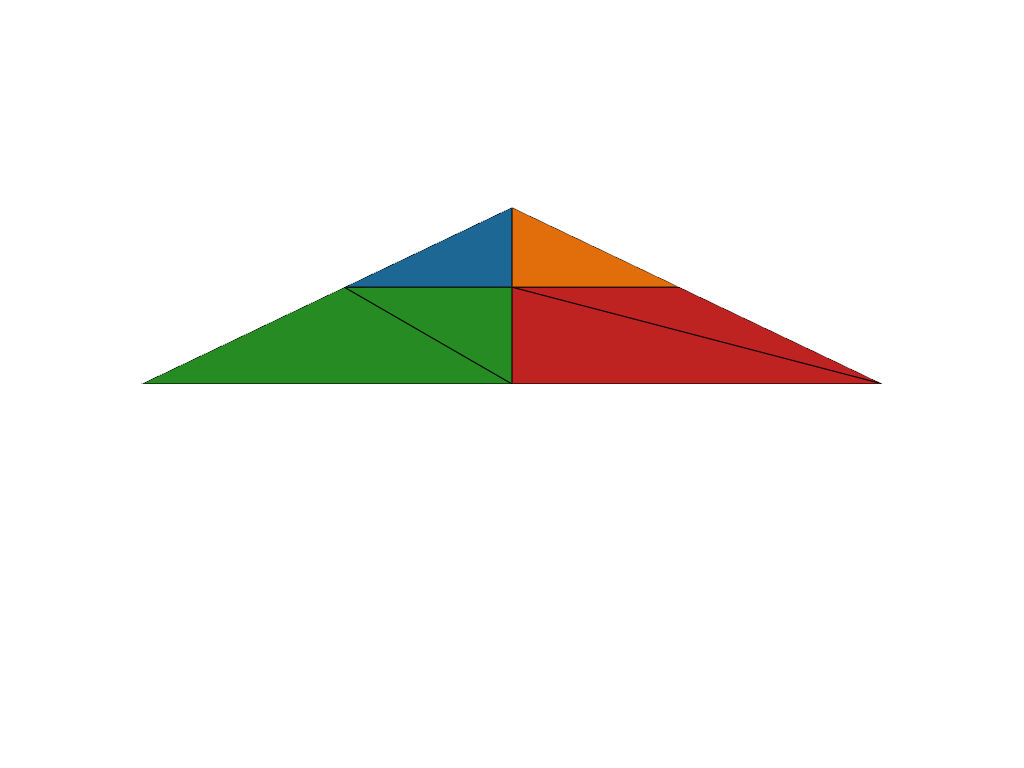
Triangle: 6 triangles
Rectangle#
show_primitive("Rectangle", gmm.Rectangle((0, 0, 0), (1, 0, 0), (0, 1, 0)))
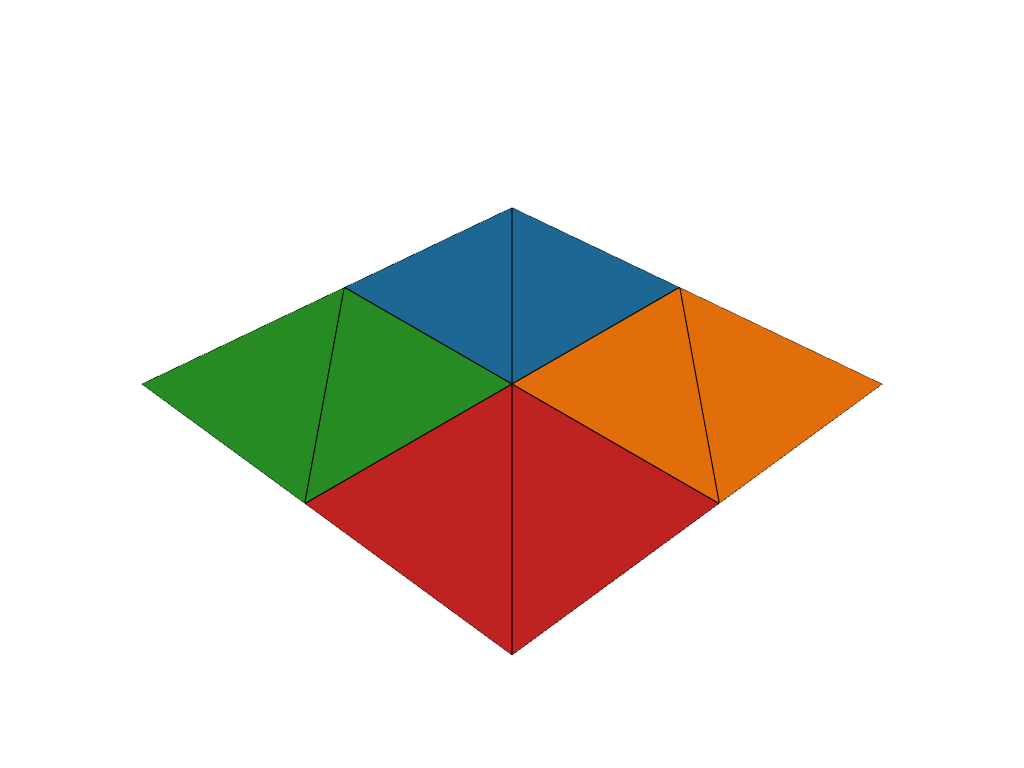
Rectangle: 8 triangles
Quadrilateral#
show_primitive("Quadrilateral", gmm.Quadrilateral((0, 0, 0), (1, 0, 0), (1.2, 1, 0), (0, 1, 0)))
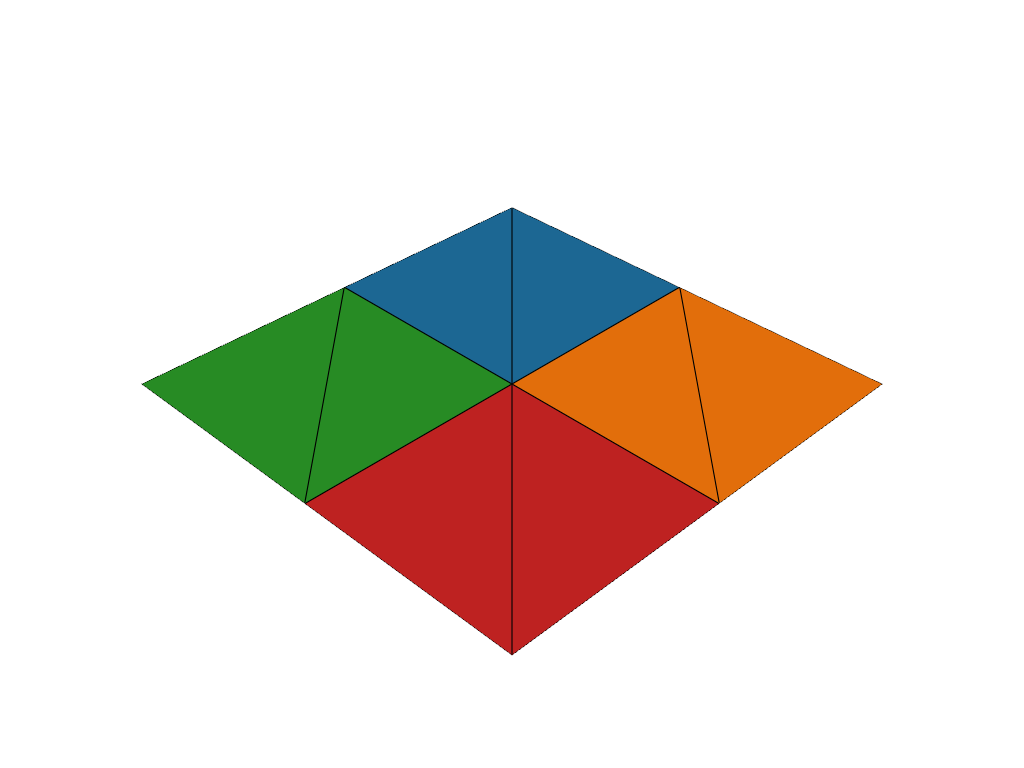
Quadrilateral: 8 triangles
Disc (annular sector)#
show_primitive("Disc", gmm.Disc((0, 0, 0), (0, 0, 1), (1, 0, 0), 0.3, 1.0, 0.0, TAU))
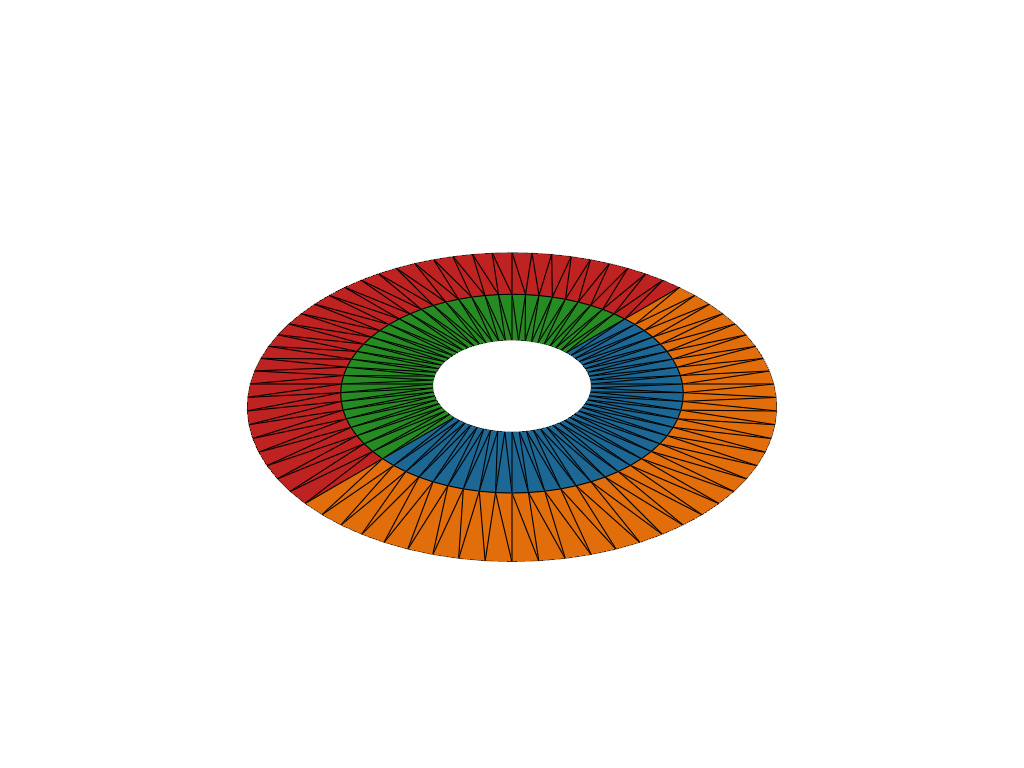
Disc: 288 triangles
Cylinder#
show_primitive("Cylinder", gmm.Cylinder((0, 0, 0), (0, 0, 1), (1, 0, 0), 1.0, 0.0, TAU))
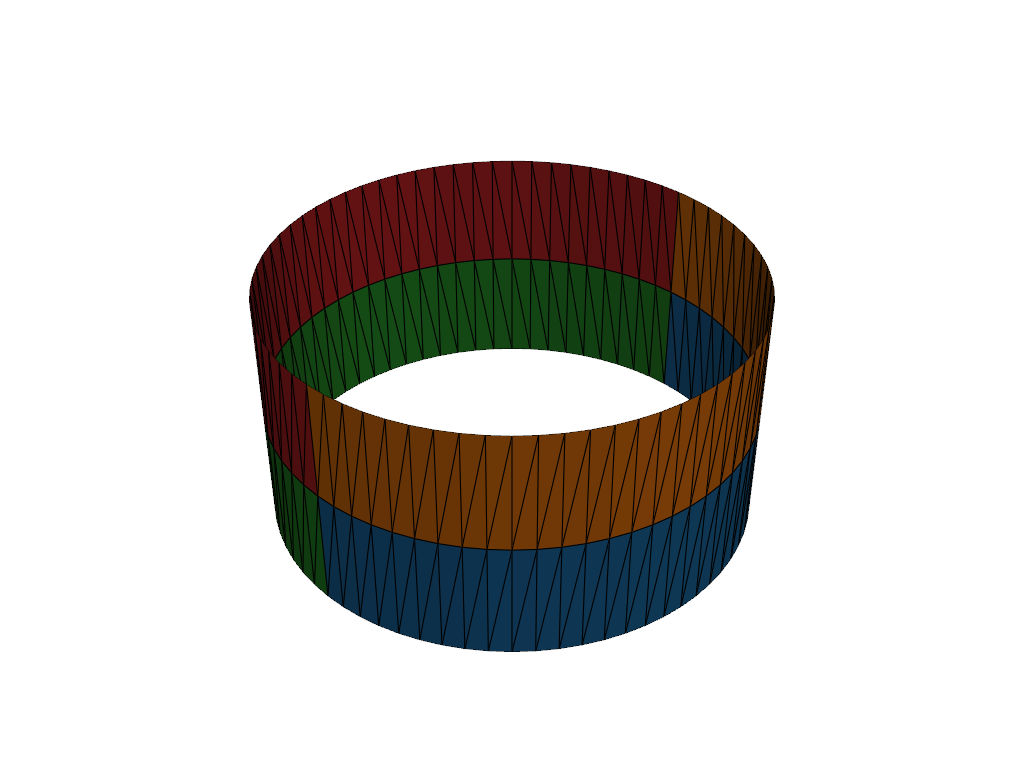
Cylinder: 288 triangles
Cone (frustum)#
show_primitive("Cone", gmm.Cone((0, 0, 0), (0, 0, 1), (1, 0, 0), 1.0, 0.4, 0.0, TAU))
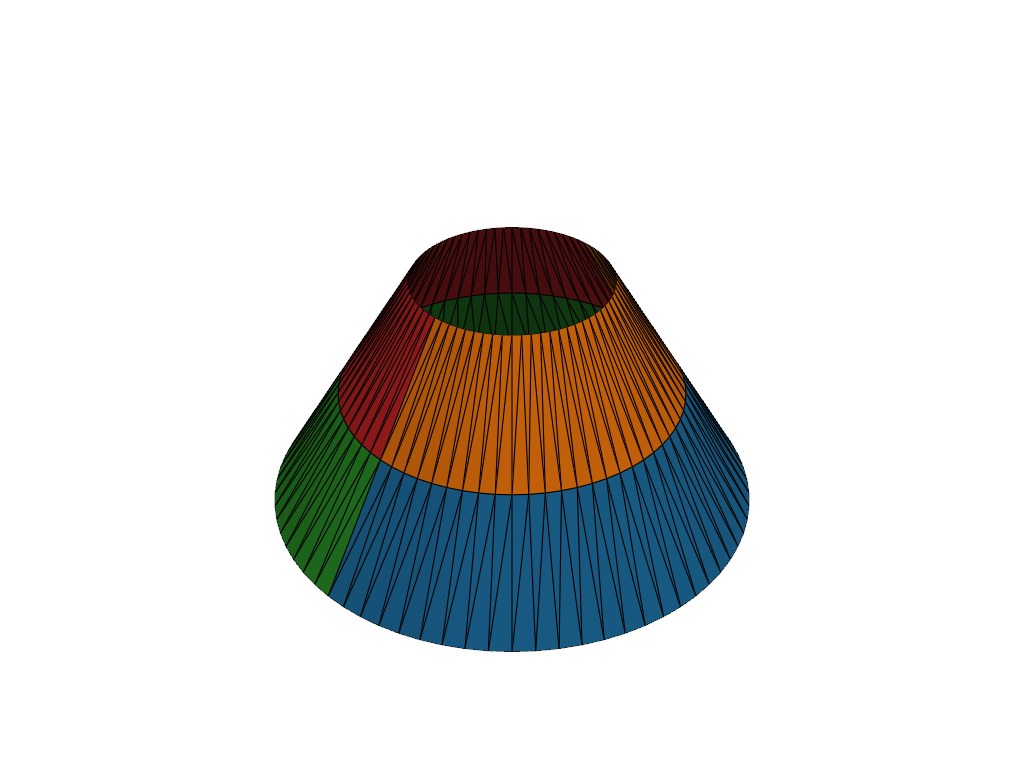
Cone: 288 triangles
Sphere#
show_primitive("Sphere", gmm.Sphere((0, 0, 0), (0, 0, 1), (1, 0, 0), 1.0, -1.0, 1.0, 0.0, TAU))
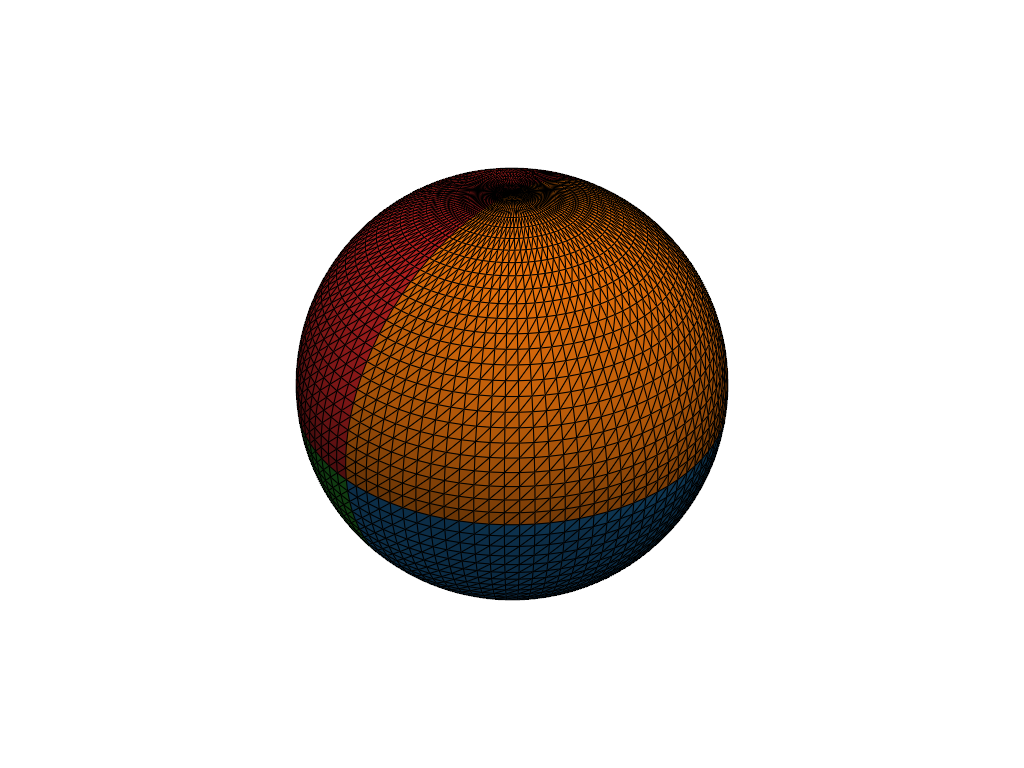
Sphere: 9800 triangles
Paraboloid#
show_primitive("Paraboloid", gmm.Paraboloid((0, 0, 0), (0, 0, 1), (1, 0, 0), 1.0, 0.0, TAU))
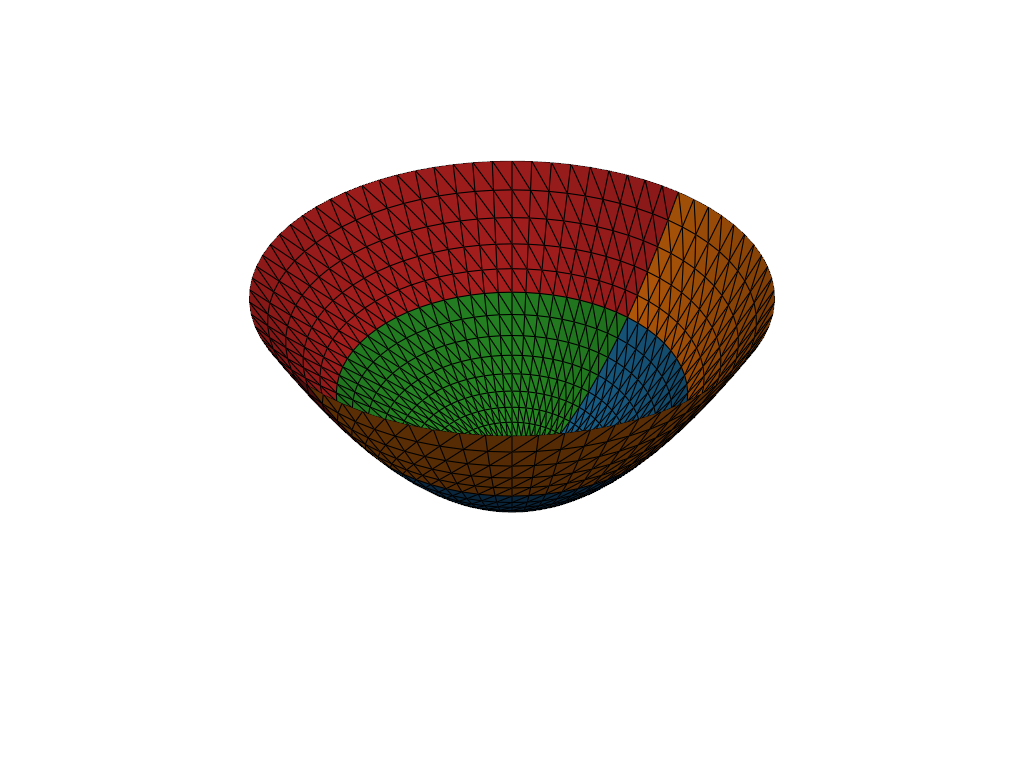
Paraboloid: 2376 triangles
Cube (closed solid, no thermal mesh)#
A Cube cannot carry a thermal mesh, so we visualise its solid shape
directly with pyvista using its center and extent.
cube = gmm.Cube((0, 0, 0), (1, 1, 1))
print(f"Cube: closed solid, surface area = {cube.surface_area():.1f}")

box = pv.Cube(
    center=tuple(float(x) for x in cube.center),
    x_length=float(cube.extent[0]),
    y_length=float(cube.extent[1]),
    z_length=float(cube.extent[2]),
)
plotter = pv.Plotter()
plotter.add_mesh(box, color="lightsteelblue", show_edges=True)
plotter.show()
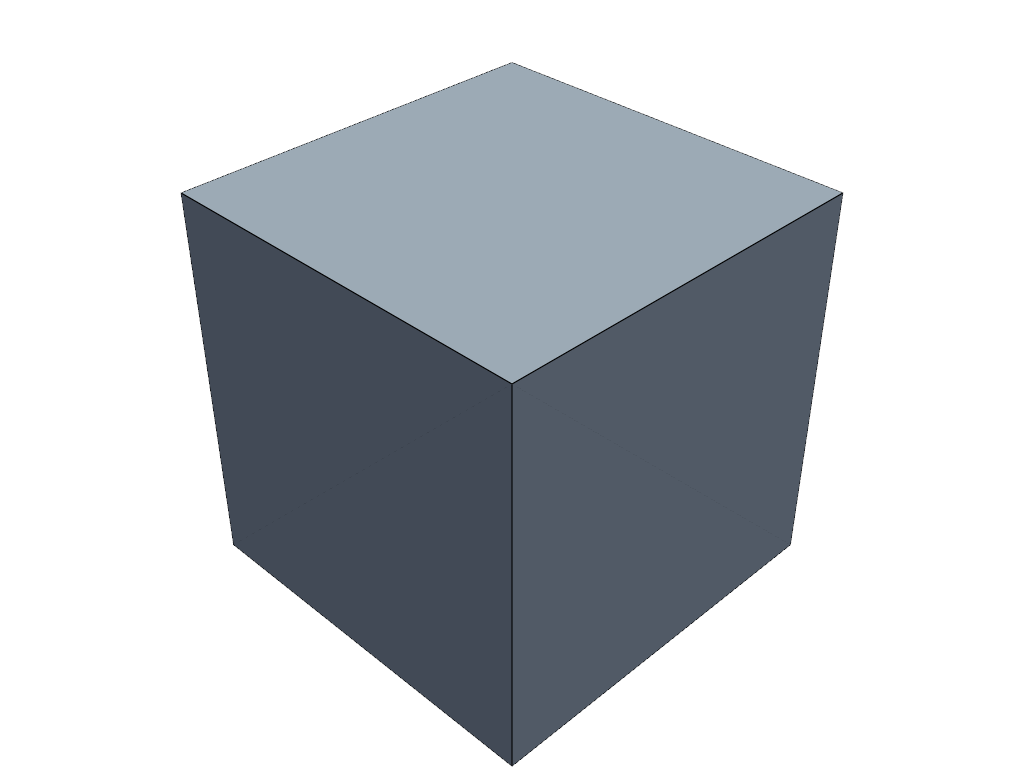
Cube: closed solid, surface area = 6.0
Total running time of the script: (0 minutes 1.863 seconds)